


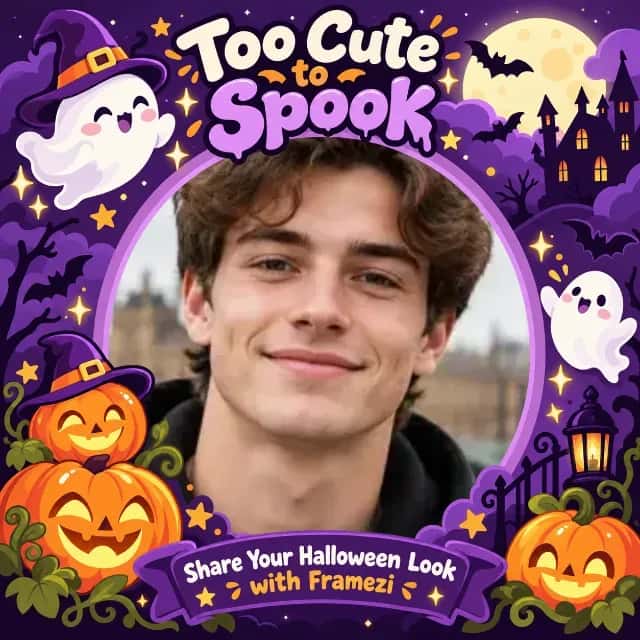
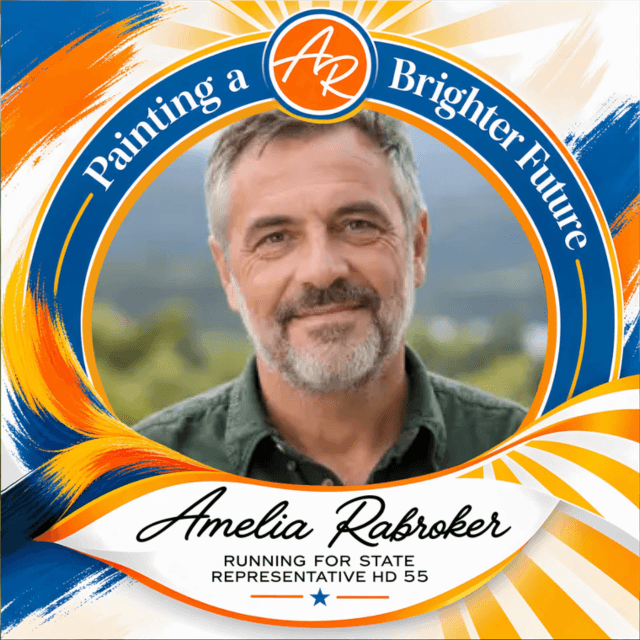
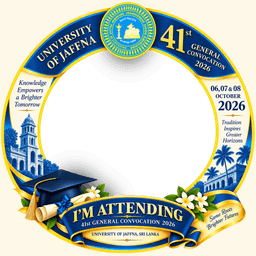
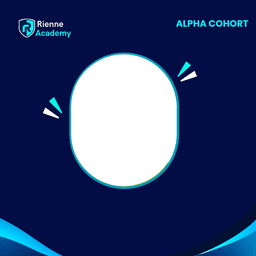
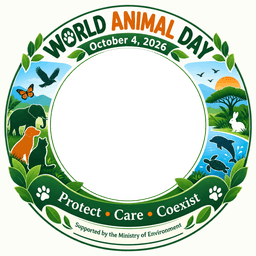
Choose a frame
Upload a square PNG with a transparent photo area, start from a template, or design one with AI.
Opening checked on uploadAn organiser uploads a frame once. Supporters open the link, add their own photo and share it—all in under a minute and without signing up.

Do it once. Your supporters can use it without asking you for files or design help.
Upload a square PNG with a transparent photo area, start from a template, or design one with AI.
Opening checked on uploadAdd a title, organiser name and short description. AI can suggest wording and you can edit it.
Frame OKSee a sample face inside your frame and fix anything before people see it.
Sign in, publish, then share the link or QR code. Updates keep the same address.
Track who joinedNo account and no app. Everything happens in the browser on your phone or computer.
Follow the organiser’s link or QR code, or find the campaign in Explore.
Pick a portrait from your gallery or take a new one. It is never uploaded.
Stays on your device Fit controlsMove and zoom, or use face centring when a campaign enables it. Add your name if asked.
Download as PNG or JPG, then share it yourself. Nothing is posted automatically.
Framezi checks these details when you upload so you can fix issues before anyone joins.
Framing and downloading happen inside your browser. A finished frame reaches Framezi only if you choose Post.
Read our privacy promiseNo. Anyone with the link can make and download a frame. Only organisers need a creator account to publish a campaign.
Yes. Drag to move, pinch or use the slider to zoom, and use face centring when the organiser enables it.
Use a PNG with transparency. A square 1080 × 1080 design is recommended and files can be up to 4 MB.
No. You choose whether to download, share through another app, or add a finished frame to the campaign gallery with Post.
Yes. Framezi is free for organisers and supporters: no credit card, no trial and no watermark.
Yes. Organisers can update campaign details and active frames while keeping the same campaign link and QR code.
Start a campaign in minutes, or join one that matters to you.


